A fortnight ago I put Audibase on the Apple TV. That one had to be written from scratch, because tvOS is the only television that cannot run a WebView. This post is the other three, and they are all the same app.
One Lightning and SolidJS codebase goes out as a webOS `.ipk`, a Tizen `.wgt`, and the web bundle that the Android TV and Fire TV APK loads in a WebView. The split is not the one people expect: my `android/` folder holds a Gradle wrapper and nothing else. There is no second TV app in it.
These are not modern browsers
The app did not run on an LG at all. Black screen, no error, nothing in any log. webOS 4 is Chromium 53, and Chromium 53 ignores `<script type="module">` silently. It does not warn you. It just never executes your app. It builds as a single IIFE targeted at chrome53 now.
Samsung gave me the same lesson with a different date on it. Tizen 3 is about as far behind as webOS 4, so it gets the same old browser build. What killed it there was `URLSearchParams`, which needs Chromium 49, and I was calling it at the top of a module that every screen imports. On an older set that one line takes the entire bundle down with it.
A television has no console, and a retail Samsung gives you no inspector. You get a black screen and your own imagination.
So faults print across the top of the screen now, and the boot line says what the set reports itself to be. That sounds crude. On a television it is the difference between a bug and a mystery.
The eleventh character
Getting a built `.wgt` onto a Samsung took me four separate discoveries, and not one of them announced itself.
Every install stopped at 22 per cent with `install failed[118]` and no other word. The package id has to be exactly ten characters. Mine was `Audibase0tv`, which is eleven. That is the whole bug.
Then the Tizen CLI wants the set's model name in the place where `sdb` prints its address, which is not the same string. Then `required_version` was 5.0, meaning 2019, and the set in front of me is from 2017. And signing it with whatever certificate profile happened to be active is refused: these sets accept the devportal one, and the CLI prompts for both passwords interactively rather than reading the files sitting right next to the certificates, so a script has to `expect` its way through.
A Fire TV thinks it has four pixels per pixel
The first time I ran it on a Fire TV, the app installed on my phone emulator instead. My run script took the first device `adb` listed, which on a machine with an emulator open is not a television. It said "Running" and nothing appeared on any screen. It looks for the leanback feature now, and tells me what it did find when there is no television there.
Then the screen drew at twice its size with the tabs hanging off the right edge. `initial-scale=1` in the viewport tag pins one CSS pixel to one device pixel, so the Fire TV laid my 1920 grid out inside a 960 wide visual viewport and showed me the left half of it. Setting width alone and letting the set scale fixes it.
Then the artwork would not load. A Fire TV reports a device pixel ratio of four. My 1920 by 1080 scene became a canvas of 7680 by 4320, which is a hundred and thirty megabytes of backing store for a screen that is 1920 wide, leaving no room for pictures. The renderer takes its resolution from the screen height now and ignores the browser's opinion about pixel ratios entirely.
And the Fire TV launcher drew the plain square app icon instead of the banner I had made. The banner was correct: 320 by 180. It was in `drawable-xhdpi`, which tells the launcher the banner is 80 by 45 points, so Fire TV threw it away. It is generated at every density now.
Textures, and why fifteen tiles were blank
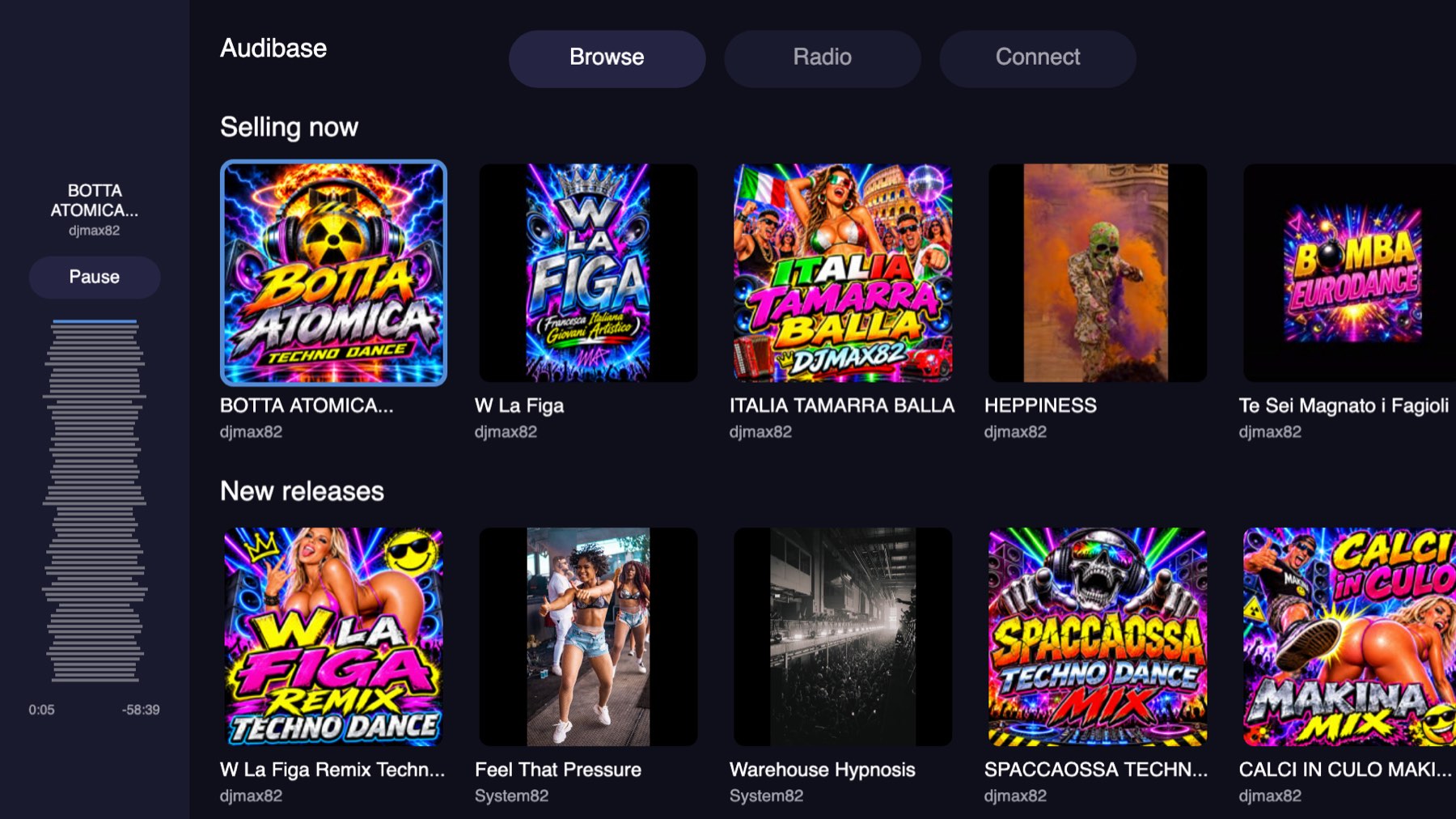
Fifteen of ninety seven textures were failing to load and those tiles drew nothing at all, with no error anywhere. I was loading covers at full size. A cover is about 1250 pixels square, a megabyte on the wire and six megabytes of texture once decoded, and I was doing that for a tile three hundred pixels wide.
Shelves use the 200 pixel thumbnail my API already returns. Nought failures of ninety eight. The full cover is still what the column and the player show, where it is actually that size.
A related one I had twice: the player drew its artwork at a fifth brightness. Lightning multiplies a texture by its node's colour, and I had tinted that node so it could act as its own placeholder. The placeholder is a separate node behind it now, and nothing in the app draws a picture on anything but white.
Rounded corners turned out to be worth a switch. A corner is a shader the canvas renderer draws on the CPU, so it is the first thing worth dropping on a set that cannot keep up. `?square` turns them all off on a real television without rebuilding anything.
Three origins, none of them a website
A television is its own origin and my API had to be told about all of them. Android TV serves the app from `appassets.androidplatform.net`. A packaged webOS, Tizen or Roku app reports its origin as `null`, which is a real value you have to allow on purpose. Those origins get read access and nothing more.
`stream.audibase.com` is a different origin again, and this is the one that catches people. A television playing HLS natively does not care, because a media element is allowed to load across origins. Everything else on the screen does care: the artwork, the waveform JSON and the manifest are all blocked unless the bucket allows the origin asking. The browser tests lend themselves the header so they can prove the app, but the real fix is on the bucket, and adding a platform means adding its origin there.
One more that looks like silence rather than an error: only `canPlayType(...) === "probably"` counts as native HLS. Chromium answers `"maybe"` and then cannot play it.
Signing in, on a thing with no keyboard
Audibase authenticates with Google and Apple only, and a remote control can drive neither. All four televisions run the same pairing loop: ask for a code, show it beside a QR of the same link, poll with the secret rather than the code, and take the tokens once.
The browser based apps draw their own QR with a bundled encoder, so a set that can reach nothing but my API still shows one. Roku cannot generate an image at all, so the API renders the same link as a PNG. It only encodes a link the API builds itself, and only for a live code, so it is not a QR service for anybody else's URLs.
Finding that was the useful part. While adding the Connect tab I discovered the smart TV app had no navigation at all. The home screen said "press right for Radio" and nothing was listening, so the station screen was reachable only by typing a URL, which no remote on earth can do. That should have existed when Radio was added, and now there is a test that drives it with the arrow keys.
The small ones that only show up in a room
Pressing Home left the track playing behind the launcher, in pieces, because a WebView keeps decoding after the activity goes away while Android throttles everything around it. It pauses now. Playing properly in the background is worth having one day, and it needs a MediaSession and a foreground service, not a WebView left running.
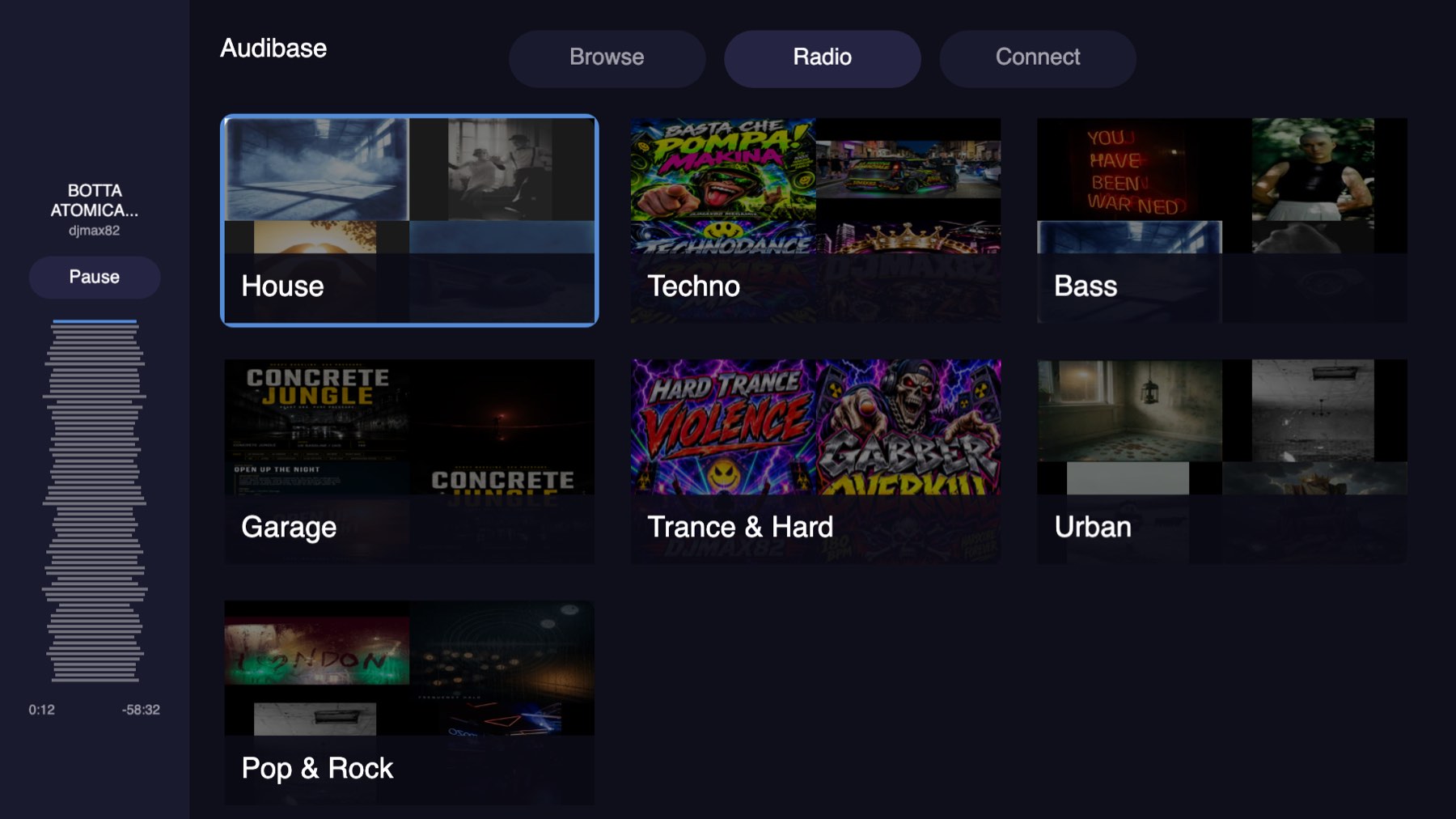
A station's name sat straight on its artwork, and Garage, on a sunset, could not be read from across a room. It sits on a band now. I tried a wash over the whole card first, but a wash has to be dark enough to beat the brightest cover in the set, which means dimming every station to rescue one word.
A focused tab now fills with brand blue. Focus always reached the bar, which both a test and a probe on the television agreed on, but a four pixel border viewed across a living room, on a tab that is already the lighter one, reads as nothing happening at all.
And the focus ring hangs six pixels outside the card it belongs to, so every scrolling column was clipping the top row's. They leave room for it now.
Seeing it run
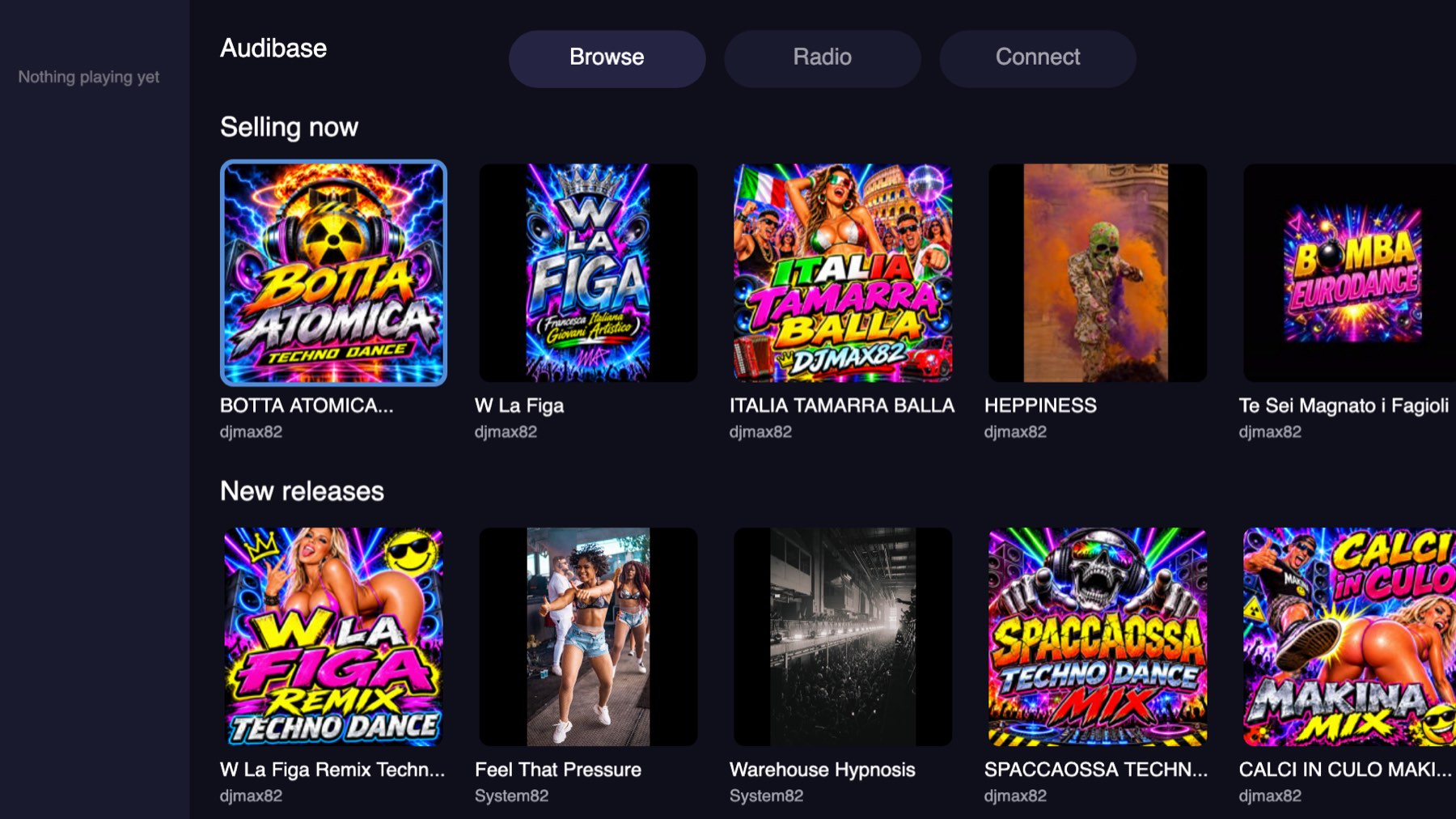
All three are ready to go out. The thing I keep relearning is that none of this is hard in the way a feature is hard. A television will not tell you what is wrong. It shows you a black screen, or a square icon, or fifteen blank tiles, and leaves you to work out which of the four things it could be.